Android
Direct APK · ARM64
Download APKThe Markdown web
Read a page. Follow a person. Put something of your own on the web. Markmallow is made for a web of plain text, real voices, and links worth following.
Free forever · Open source · Apache 2.0

An older idea, still worth trying
Before the big platforms became the front door to the internet, people found one another through IRC channels, bulletin boards, and little sites linked from other little sites. A page was mostly words. Sometimes you waited for a picture to load.
Markdown keeps the page itself simple. A file can be opened in a text editor, served over HTTPS, or signed and shared by devices on MDW. Explore the ideas behind the Markdown web from Dave Winer’s BonBon project and Brett Terpstra’s essay.
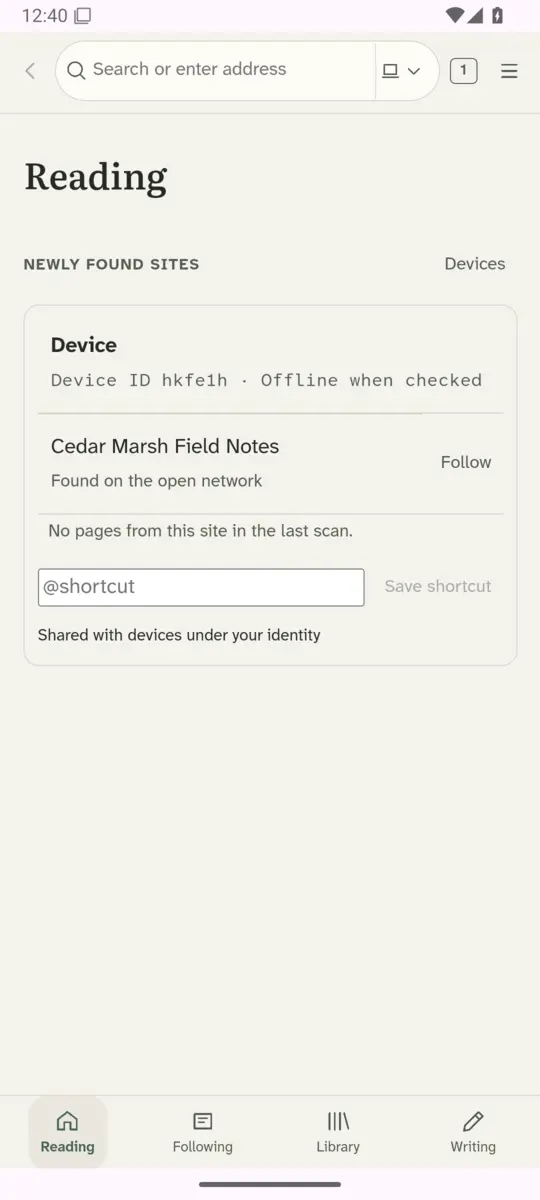
In Markmallow
Download
Free and open source. Choose the installer for your device.
Direct APK · ARM64
Download APKChoose a 64-bit package.
Flatpak install helpDirect installer · Version 0.1.35
Download installerOpen a sample Markdown page right here.
Try MarkmallowHelp
Questions or something unexpected? Include your platform, app version, and what you tried.
Email supportsupport@nk.tools
Open a terminal in your download folder with Flatpak installed. Accept the runtime prompt if it appears.
flatpak install --user ./markmallow_0.1.55_linux-flatpak_release_x86_64.flatpak
flatpak run com.nicheknack.markmallowPaste a public https:// Markdown link or an mdw:// address. Choose Follow to see new posts under Following, or Save to keep the page in your library.
In Writing, add a folder and a Markdown page. Publish it as Searchable for discovery or Unlisted for sharing a link directly.
How signed publishing worksIn Markmallow, choose Settings → App → Logs → Download logs. Email the log with what you did, what you expected, and what happened.